Page 15 of 16
Re: How to enter data into a panel workfile.
Posted: Wed Mar 03, 2021 11:31 am
by EViews Gareth
On the first page of the import data wizard, specify the range to read as Sheet1!$A$1:$j121
Re: How to enter data into a panel workfile.
Posted: Wed Mar 03, 2021 12:11 pm
by shaliza
Hello, EViews Gareth
Thank you so much .it worked. But I want to know what was the problem and why I needed to select the custom option in the first page. There written 122 but as you told to write 121 , I did and it recognised as dated panel. Cn you please tell me the reason. Thanks a lot
Re: How to enter data into a panel workfile.
Posted: Wed Mar 03, 2021 12:14 pm
by shaliza
I have encountered another problem. Why it is showing series file name .Is there anything wrong. It should not be here as far as I know
Re: How to enter data into a panel workfile.
Posted: Wed Mar 03, 2021 12:24 pm
by startz
What version of EViews are you using and has it been updated? When I load in your file I do not got the "series."
Re: How to enter data into a panel workfile.
Posted: Wed Mar 03, 2021 2:17 pm
by shaliza
I am using E-views 11 student lite version
Re: How to enter data into a panel workfile.
Posted: Wed Mar 03, 2021 2:39 pm
by startz
I do not see why it's not working then. Guess it'll have to wait for one of the EViews people.
Re: How to enter data into a panel workfile.
Posted: Wed Mar 03, 2021 3:00 pm
by shaliza
I need to solve this problem by tonight. Tomorrow I have to submit some tests and discuss. I don't understand why in my eviews 'series' is showing up. Where I went wrong, I do not have any idea.Please help me out
Re: How to enter data into a panel workfile.
Posted: Wed Mar 03, 2021 3:02 pm
by EViews Gareth
Just ignore them?
Re: How to enter data into a panel workfile.
Posted: Wed Mar 03, 2021 3:12 pm
by shaliza
Will it not gonna affect the test or any estimation if I ignore them?
Re: How to enter data into a panel workfile.
Posted: Wed Mar 03, 2021 3:18 pm
by EViews Gareth
No
Re: How to enter data into a panel workfile.
Posted: Wed Mar 03, 2021 3:59 pm
by shaliza
Thank you
Re: How to enter data into a panel workfile.
Posted: Tue May 11, 2021 4:35 am
by ddddnnz
Hi, I am making panel data analysis for my thesis. I use different variables in the analysis and I add these variables to the analysis one by one and see how they interact with each other. For example, in my first model, I examine the sustainability report publishing variable and firm sizes. In my second model, I also examine firm size in addition to these variables. I will have 7 different models in total like this. Here is my question: I don't want to see these models in 7 different tables. Is there a way to save results from different equations to a single pfd?
Any answer would be very helpful because my deadline is approaching :)
Re: How to enter data into a panel workfile.
Posted: Tue May 11, 2021 5:58 am
by startz
Make a spool and then save the spool.
Re: How to enter data into a panel workfile.
Posted: Tue May 11, 2021 7:53 am
by ddddnnz
Make a spool and then save the spool.
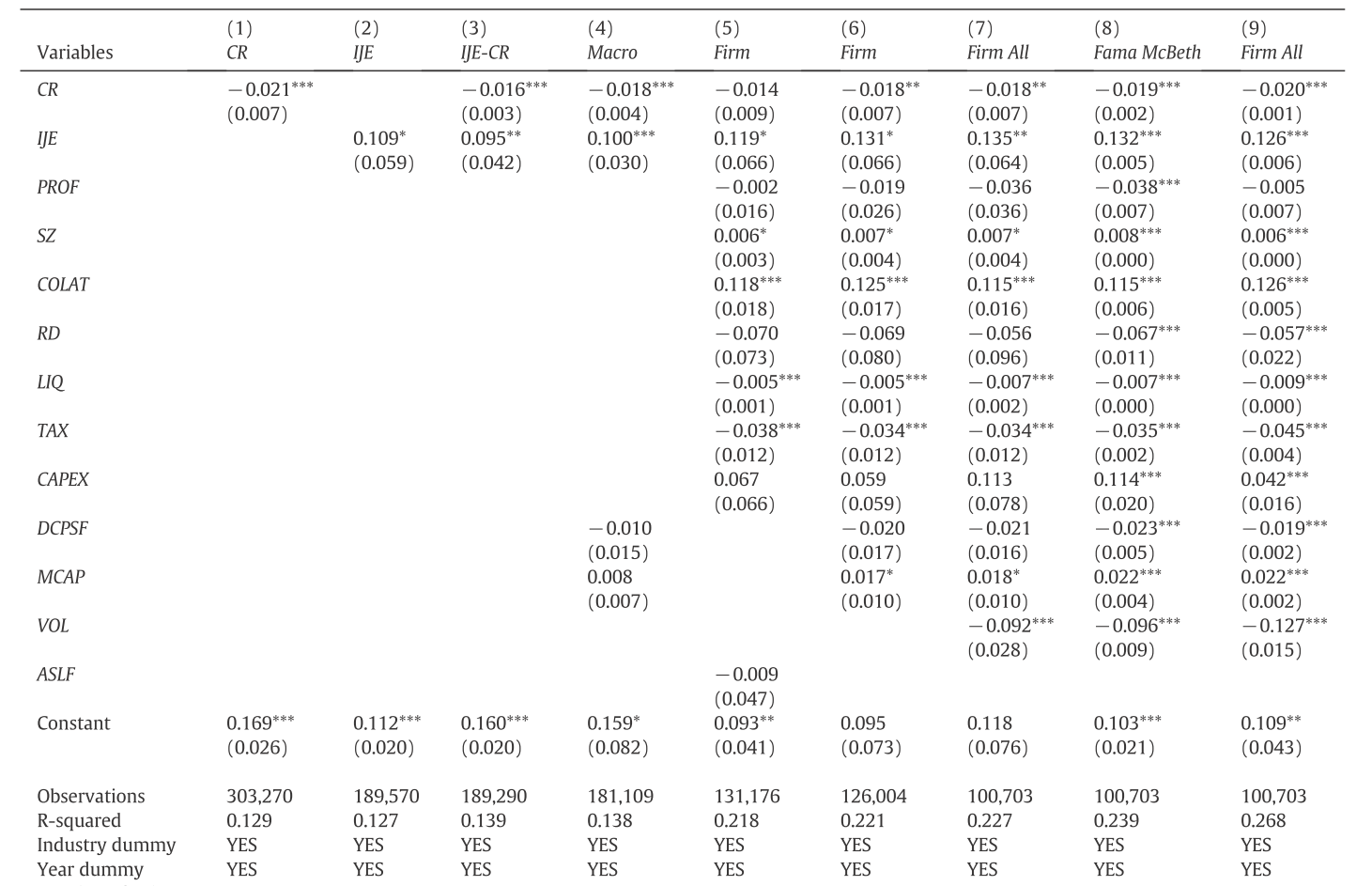
Thank you, that might work too, but that's not exactly what I wanted. I guess I couldn't explain it exactly. I don't want to see each model separately. I want to see all 7 models in the same table. You can see what I mentioned in this link. The horizontal column shows the models. The least number of variables are in the first model, then a new variable is added in each model.
http://fintechprofessor.com/wp-content/ ... -Stata.png
Re: How to enter data into a panel workfile.
Posted: Tue May 11, 2021 8:11 am
by EViews Gareth
You could use the EqTabs add-in. I'm not sure if it works well with panel data, but if it doesn't you could try modifying it so that it does.