Page 1 of 1
backfade ?
Posted: Sat Nov 15, 2025 5:39 am
by tvonbrasch
When I use my own copy of EViews 14 and run an add-in to format a graph object that includes the following command:
Code: Select all
{%gr}.options size({!width}, {!height}) frameaxes(lbrt) framewidth(0.5) gridwidth(0.5) gridcolor(ltgray) gridcust(year, 1) fillcolor(@rgb(255,255,255)) backcolor(@rgb(255,255,255)) color background backfade(none)
I get the expected graph, which is embedded in a spool object.
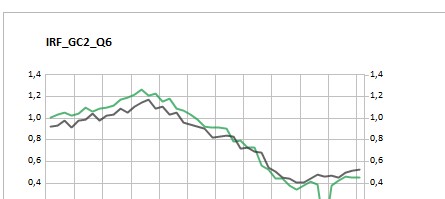
- Skjermbilde 2025-11-15 104916.jpg (15.84 KiB) Viewed 31342 times
However, when EViews runs automatically on a server and calls exactly the same programs, the resulting graph is different.
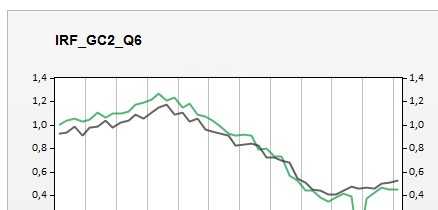
- Skjermbilde 2025-11-15 111519.jpg (15.1 KiB) Viewed 31342 times
In particular, the background fade effect (backfade) appears even though I specified backfade(none).
Why does the backfade behave this way on the server? Could there be some global setting or configuration in the EViews version on the server that overrides this option? What might be causing this difference?
Additionally, is there a way to globally enforce backfade(none) for all graphs in EViews using code or a configuration file, so that this setting is respected regardless of the environment?
Re: backfade ?
Posted: Mon Nov 17, 2025 8:51 am
by EViews Gareth
Options->Graphics Defaults is the easiest way to do it.
It looks like your graph does have no background fade - it has a solid grey colour (i.e. no fade). If you want it to match yours, you probably want to make the background colour white, not grey:
Code: Select all
{%gr}.options backcolor(@rgb(255,255,255))
Re: backfade ?
Posted: Mon Nov 17, 2025 12:32 pm
by tvonbrasch
Thank you for your suggestion. Just to clarify, backfade(none) and backcolor(@rgb(255,255,255)) were already activated in my initial post, so it’s strange that the server output still shows a faded background even though the code is identical.
Could you please check the attached workfile (created by the server, which I don't have access to) and run the following code to confirm nothing is overriding the graph background?
Code: Select all
wfopen .\gr
%gr="_gr"
{%gr}.options backcolor(@rgb(255,255,255))
show {%gr}
Also, is there a global command or setting that can be used to force all graph backgrounds to white, even if the program is executed under a different user? Any insight into why this discrepancy persists would be very helpful.
Re: backfade ?
Posted: Mon Nov 17, 2025 1:49 pm
by EViews Gareth
Sorry, missed you had already used backcolor.
But, providing the workfile helped. The issue is that it is a multigraph. Unfortunately, you cannot change the options of a multigraph via command. You need to turn off backfade/colour to each individual graph before making it a multigraph.
Re: backfade ?
Posted: Tue Nov 18, 2025 12:02 am
by tvonbrasch
The problem persists even though each graph object in the multigraph is formatted with the code
Code: Select all
{%gr}.options frameaxes(lbrt) framewidth(0.5) gridwidth(0.5) gridcolor({%gridcolor}) gridcust(year, 1) fillcolor(@rgb(255,255,255)) backcolor(@rgb(255,255,255)) backfade(none) color background.
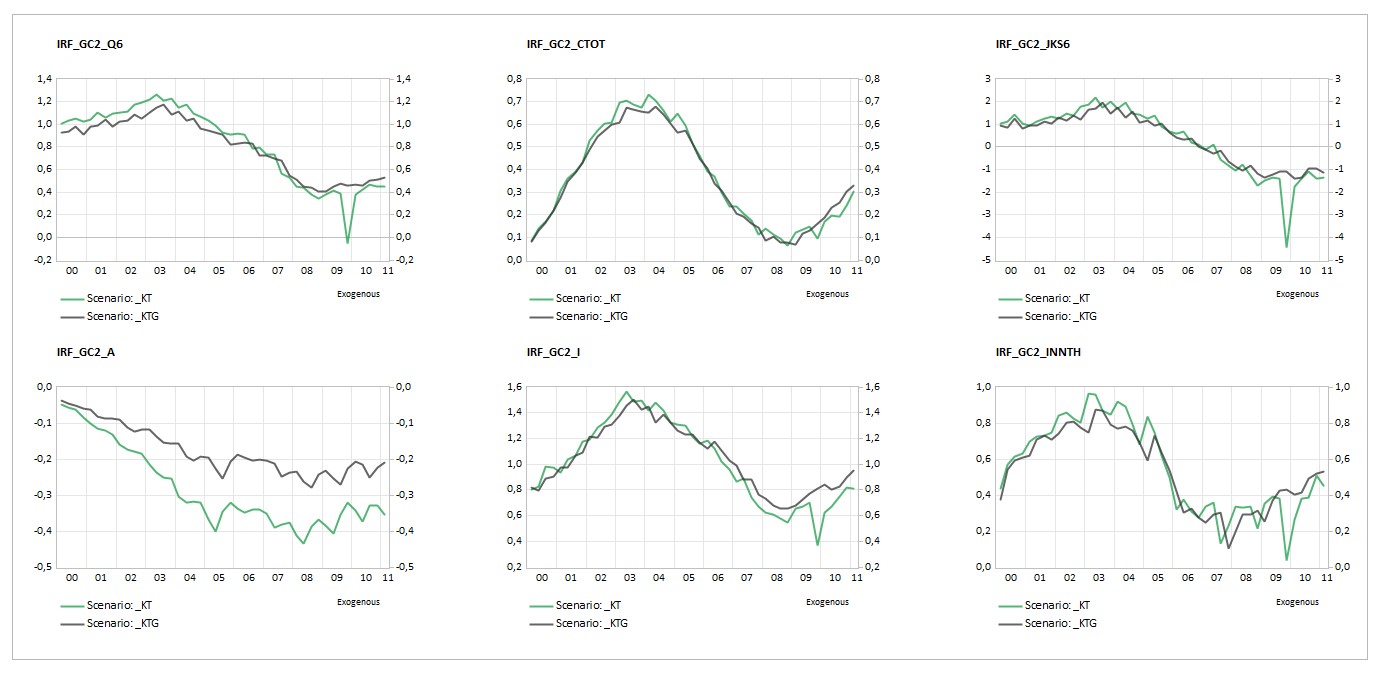
Below is the image from running the program on my local EViews:
- Skjermbilde 2025-11-18 080036.jpg (143.96 KiB) Viewed 31218 times
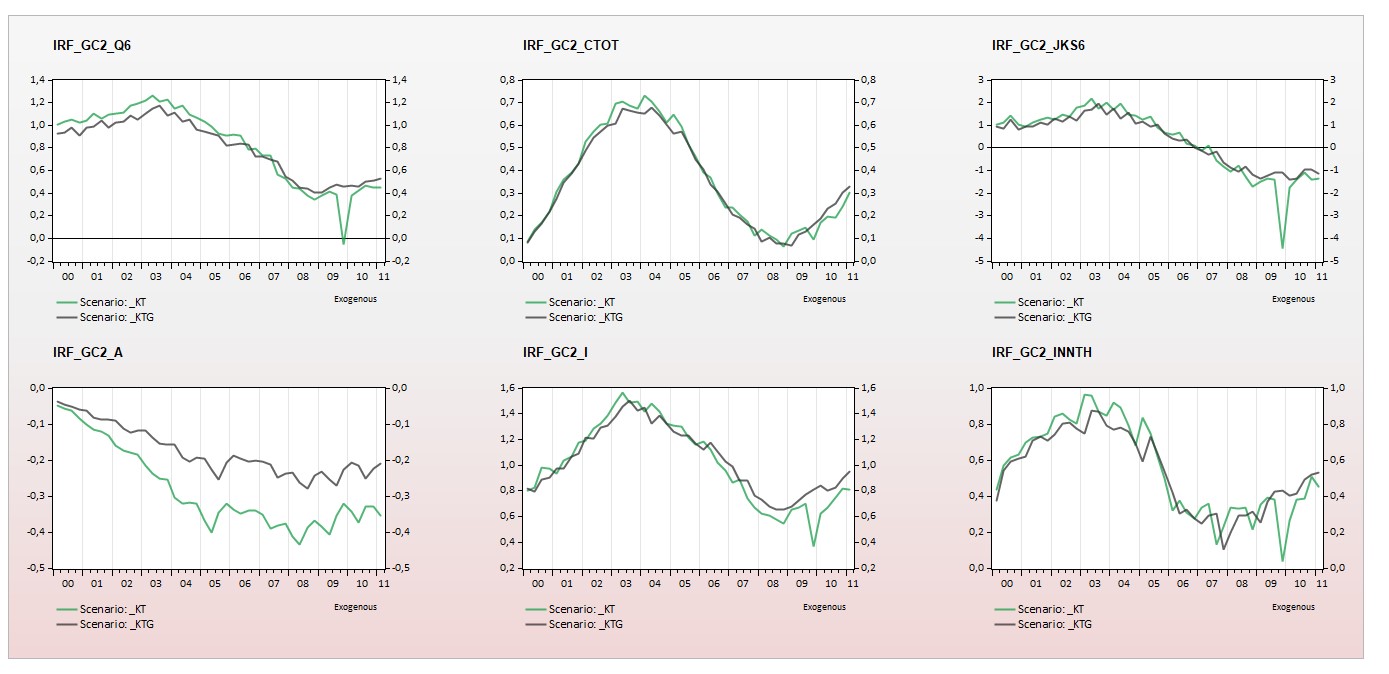
And this is the image produced when running the program automatically on the server version of EViews:
- Skjermbilde 2025-11-18 075911.jpg (154.19 KiB) Viewed 31218 times
Is there a way to globally override the graph settings to ensure a white background for all graphs? Also, the horizontal gridlines are missing in the server version. Could this be a bug? (note that the multigraph is appended to a spool object)
Re: backfade ?
Posted: Tue Nov 18, 2025 9:01 am
by EViews Gareth
Did you try changing the global options?
Options->Graphics Defaults.
Re: backfade ?
Posted: Tue Nov 18, 2025 9:36 am
by tvonbrasch
I don’t control the EViews version on the server, that’s handled by our IT department. We have a master EViews program that runs automatically every hour, and I was hoping to include a command in that program to set the graph options correctly. Is there any way to do that through the program itself?
Re: backfade ?
Posted: Tue Nov 18, 2025 10:48 am
by EViews Gareth
Unfortunately not.
Re: backfade ?
Posted: Wed Nov 19, 2025 5:45 am
by tvonbrasch
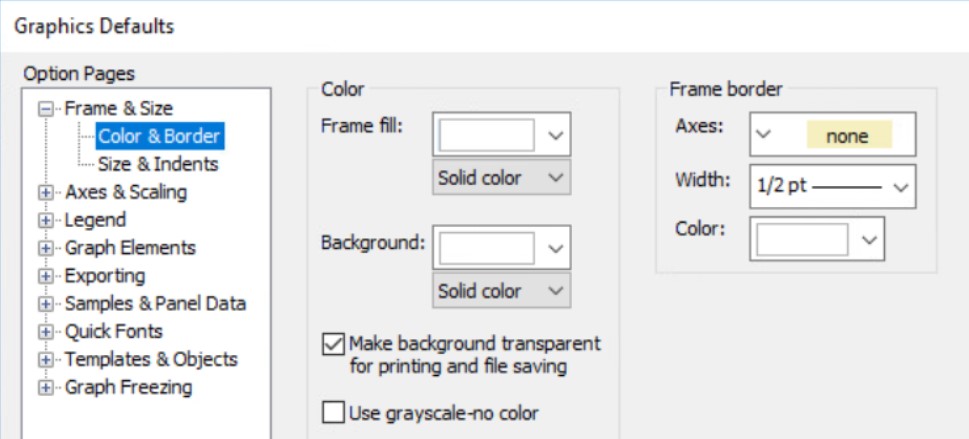
I had the IT department change the settings as suggested, but the background is still gray:
- Skjermbilde 2025-11-19 134108.jpg (63.75 KiB) Viewed 31146 times
any other ideas for how I can change it to white?
Re: backfade ?
Posted: Wed Nov 19, 2025 8:29 am
by EViews Gareth
Very weird.
Just to confirm, if you run this, with global settings changed, you still get a fade on gm?
Code: Select all
wfcreate m 1990 2025
for !I=1 to 5
	series x{!i}=nrnd
	freeze(g{!i}) x{!i}.line
	g{!i}.options backfade(none) backcolor(@rgb(255,255,255))
next

graph gm.merge g1 g2 g3 g4 g5
Re: backfade ?
Posted: Thu Nov 20, 2025 7:41 am
by tvonbrasch
Thanks. I have updated the script running on the hourly server routine as follows:
Code: Select all
'find username and store in string: %username
%temppath = @temppath ' Get temp path
	'finner strengen C:\Users\tly\AppData\ev_temp, og henter ut initialene "tly":
	!slash1=@instr(%temppath,"\",2)
	!slash2 = @instr(%temppath,"\",3)
	!diff=!slash2-!slash1-1
	!start=!slash1+1
	%username=@mid(%temppath,!start, !diff)

%wf="backfade_"+%username

wfcreate(wf={%wf}) m 1990 2025
for !I=1 to 5
	series x{!i}=nrnd
	freeze(g{!i}) x{!i}.line
	g{!i}.options backfade(none) backcolor(@rgb(255,255,255))
next

graph gm.merge g1 g2 g3 g4 g5

string _a=%temppath

wfsave .\{%wf}
wfclose {%wf}
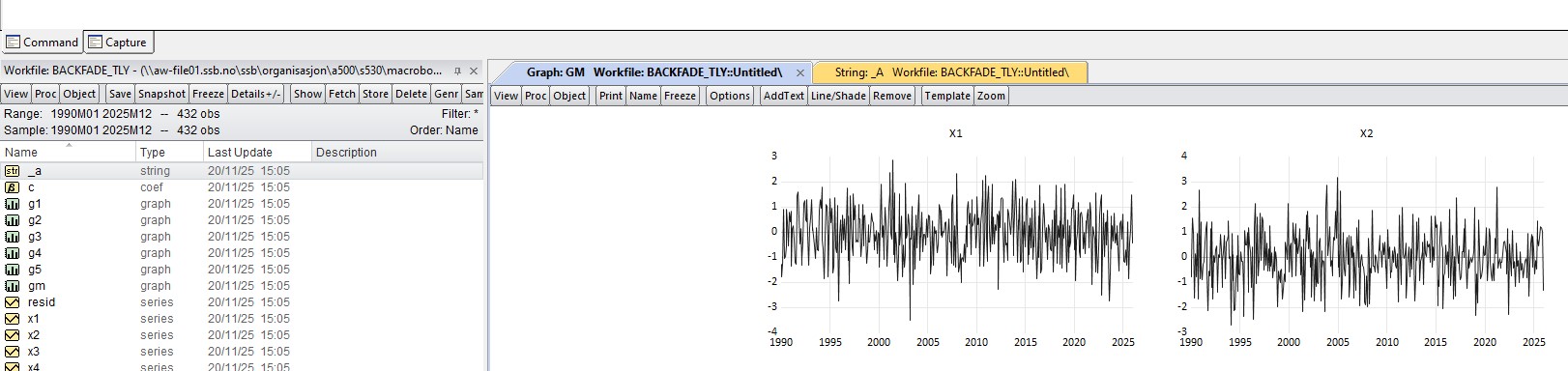
When I execute this locally on my own version of EViews, the background renders as white, as expected:
- Skjermbilde 2025-11-20 152721.jpg (135.73 KiB) Viewed 31054 times
However, when the server instance runs the script, it generates the following output:
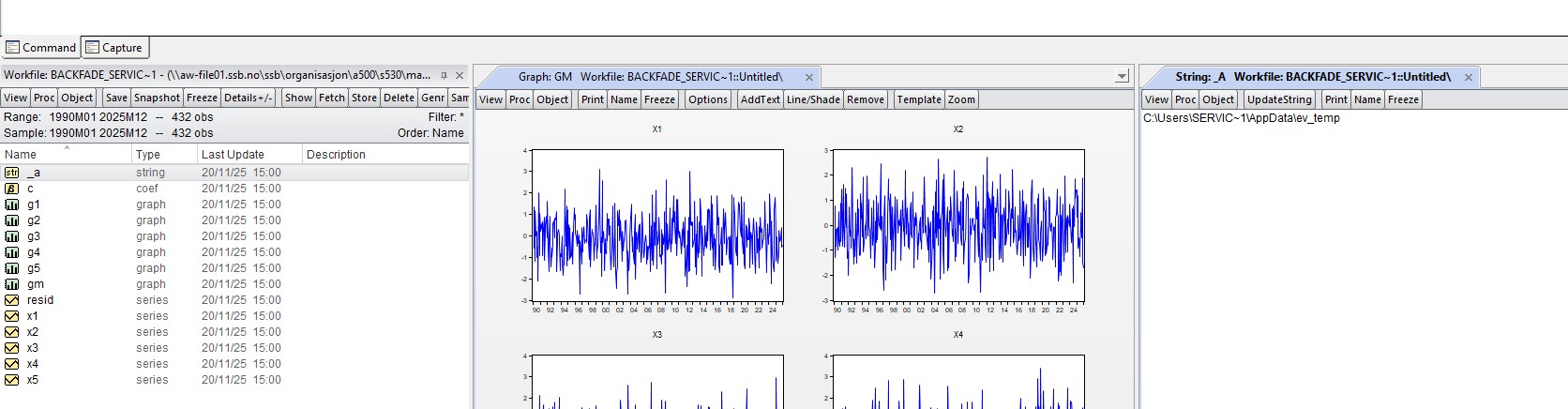
- Skjermbilde 2025-11-20 152614.jpg (151.04 KiB) Viewed 31054 times
This occurs even though IT has explicitly configured the graphic settings to use a white background.
Any suggestions on how to proceed to ensure the background renders correctly?
Re: backfade ?
Posted: Thu Nov 20, 2025 8:52 am
by EViews Gareth
Is the server's version of EViews up to date?
Also, I notice that your version also has the chart in black and white - is that expected?
Re: backfade ?
Posted: Sun Nov 23, 2025 9:35 am
by tvonbrasch
I followed up with the IT department regarding the issue. We previously had an old EV14, which they’ve now updated, but unfortunately, this did not resolve the backfade problem. As for my version, the black appears as expected.
Would it be possible to include, in the next release, support for editing multigraphs directly via code? For example, making the following code functional:
Code: Select all
{%gr}.options backcolor(@rgb(255,255,255))